
What is the Note Identifier?
The Note Identifier is a new feature, powered by our LiveScore technology, that lets you tap on any note in your score to identify it and hear it played. A popover displays the chord and its constituent notes, complete with a piano keyboard visualisation and audio playback.
What does the Note Identifier show?
When you tap on the score, the popover opens and gives you:
- The note names (pitch + octave)
- A piano keyboard visualisation with the relevant keys highlighted
- An audio playback of the chord or note, so you can hear it immediately
You can configure exactly what appears in the popover from the settings menu: show only the keyboard, only the notes, only the chord name, or any combination of these.
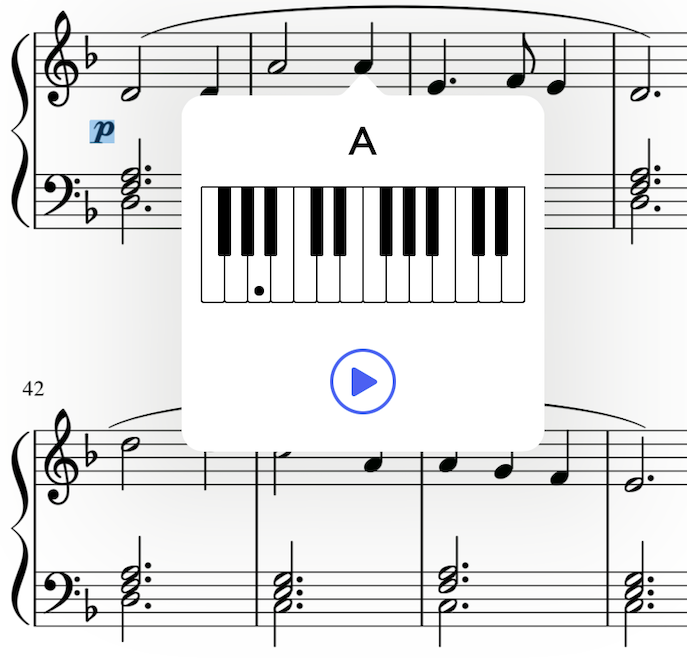
How to use the Note Identifier
- Open the score you would like to annotate
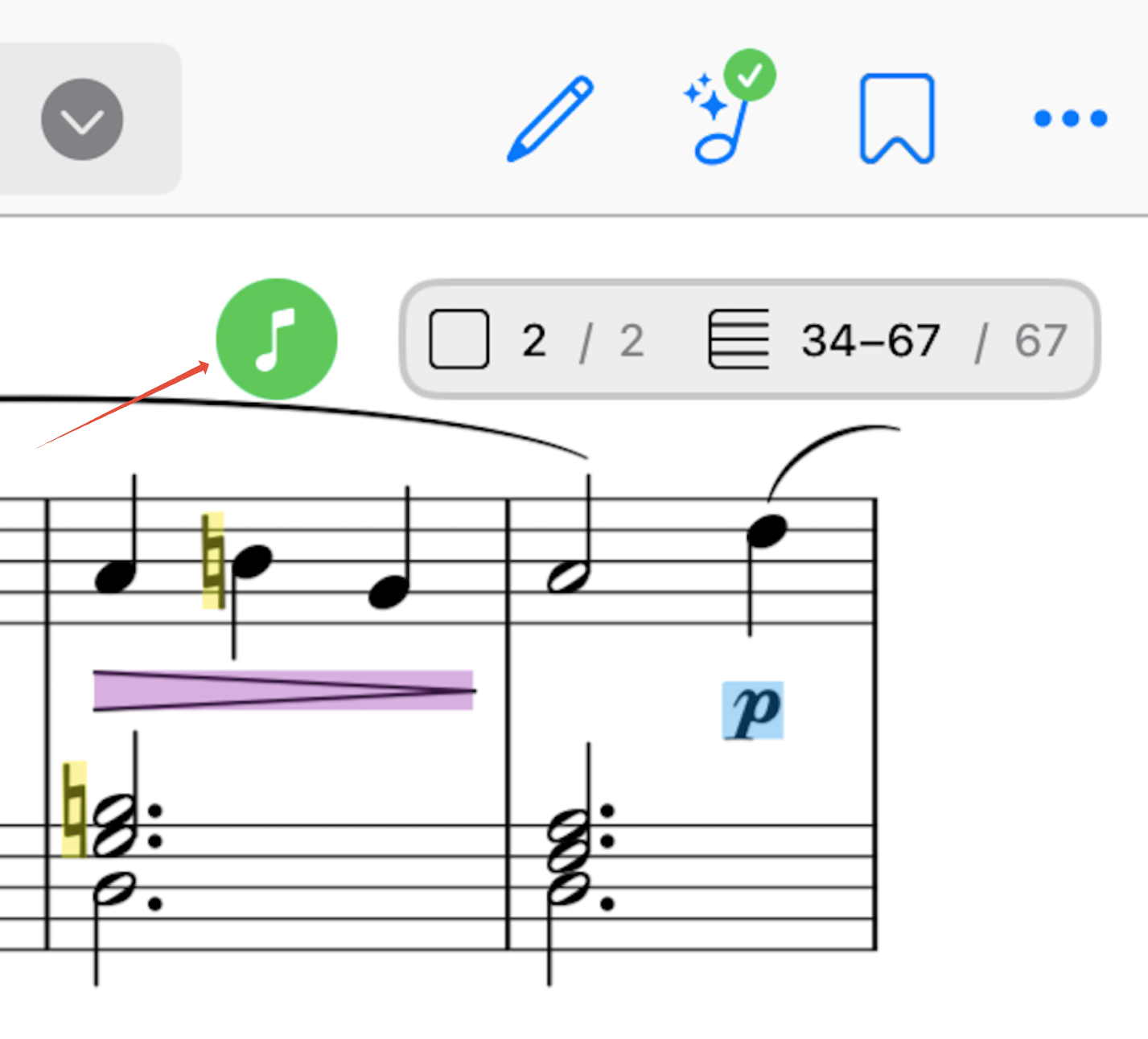
- Make sure your part has been converted to a LiveScore (look for the greeen LiveScore badge in the top bar)
- Go to the Note Identifier settings sub-menu from the score-view settings in the top-right corner, enable the feature and go back to the score-view
- Tap on any note or chords on the score
- The popover opens with the chord name, keyboard visualisation and playback button
- Tap elsewhere on the score to identify the next chord, or close the popover by tapping outside of it.
Settings & customisation
Open the Note Identifier settings menu to configure:
- Quick access button
- Popover content: choose which information is displayed among chord / note name, keyboard visualisation and playback button
- Notation system: pick between English (A, B, C…), Latin (Do, Ré, Mi…) and German (A, H, C...) note names
Important: LiveScore conversion is required
The Note Identifier rely on Newzik recognising the musical content of your score, which means the part must first be converted to a LiveScore.
Note: If your score was converted to a LiveScore before the 7.12 release, you will see a Retry button in the LiveScore controller. Tap it to update the conversion and unlock the Note Identifier.
If you've never converted a score to a LiveScore before, please refer to our articles: