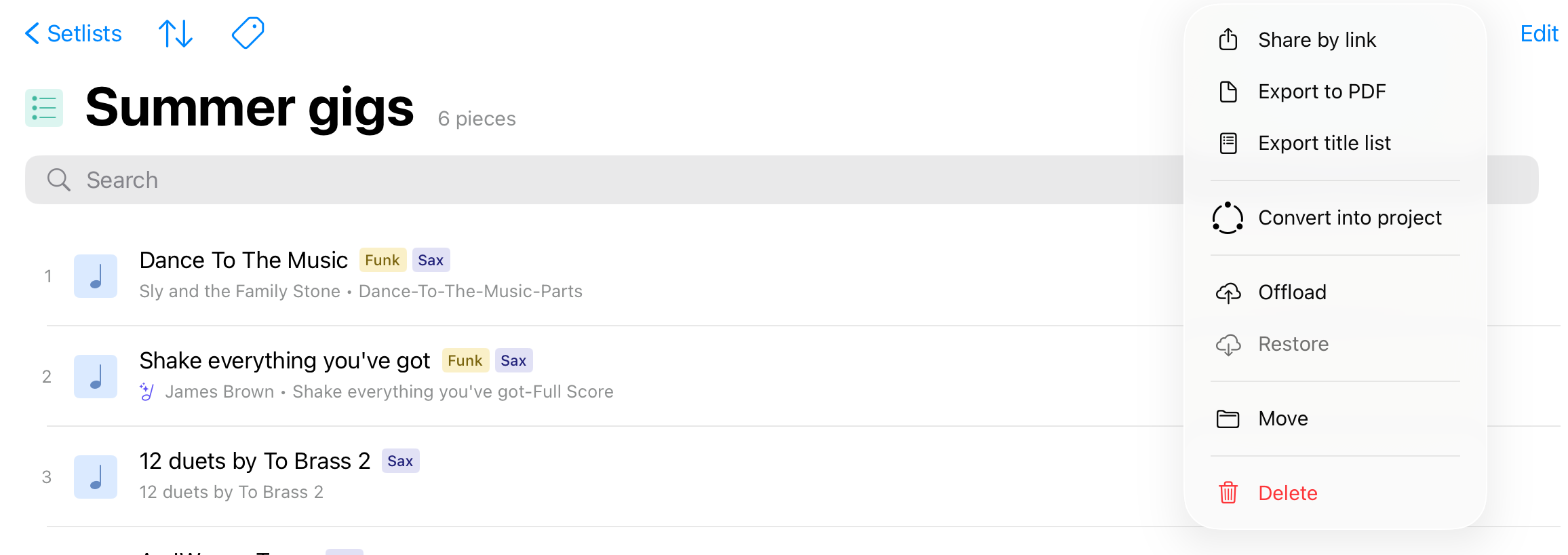
A Setlist is a custom list of pieces. You can use setlists to prepare a concert program, as folders to organize your Library, etc.
A single piece can be added to several setlists. In this case, when you annotate a piece in one of your setlists, the changes will appear in all of the setlists containing the Piece (as well as in the Library).
If you wish to make your pieces independent across setlists, you must duplicate them before adding them to setlists.
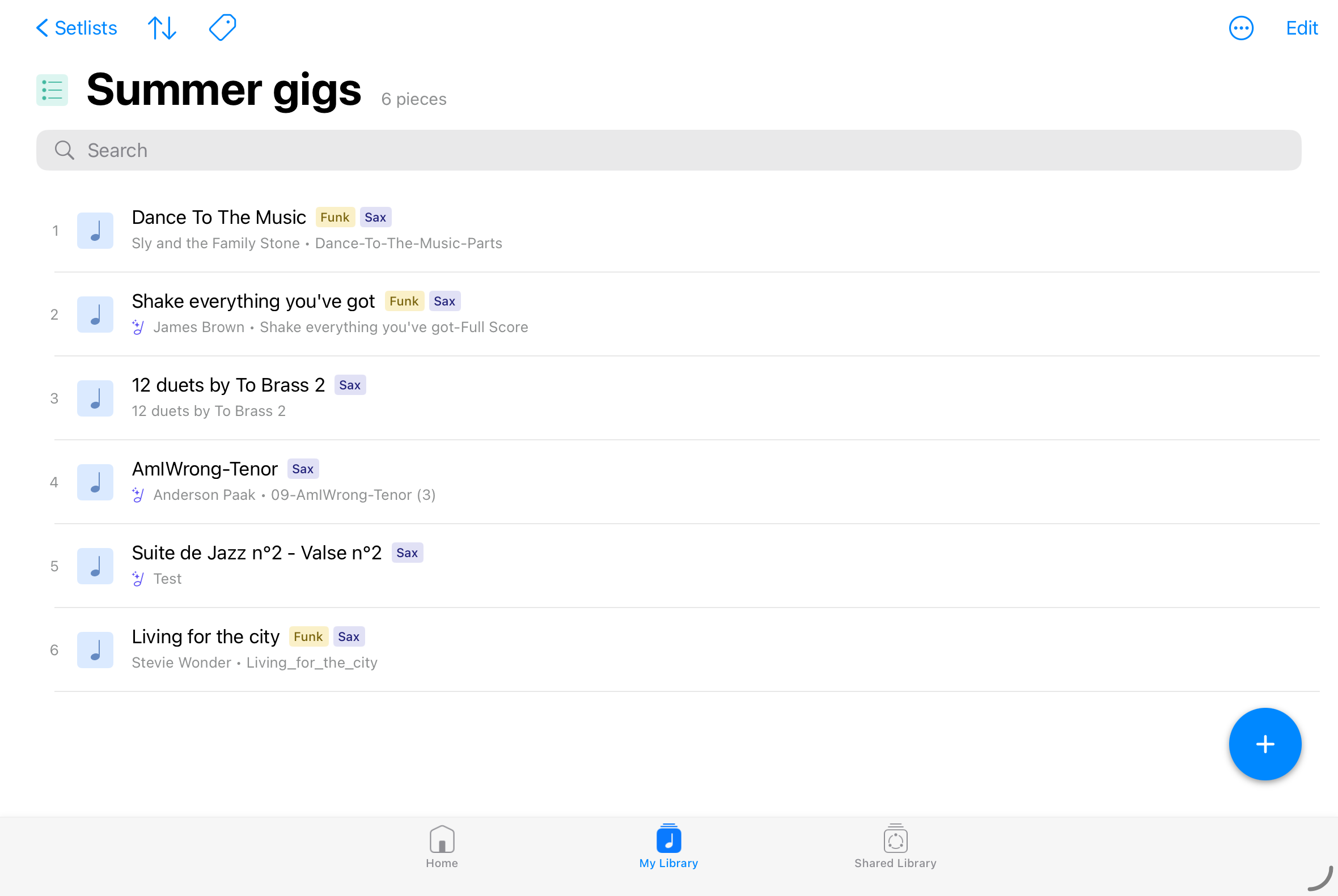
Sorting modes
You can sort your setlist in alphabetical order or custom order using the sort button (↑↓) on the top left of the view.
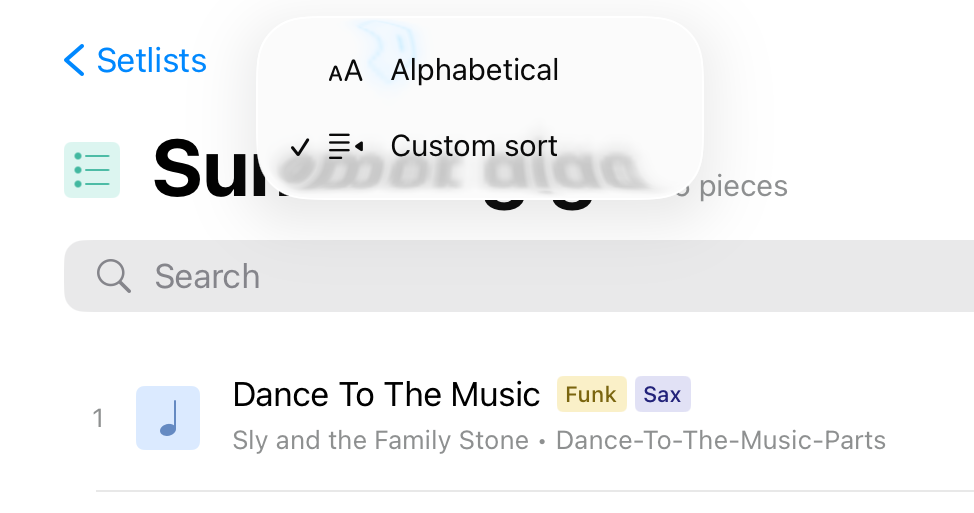
Rearrange the content of a Setlist
When viewing a list in custom sort order (see sorting mode above), you can arrange its content by tapping the Edit button and using the control on the right-hand side of each item (☰).
Tap and hold the control until the row pops out of the table view, and then drag the score upward or downward and let go when you reach the correct spot.
Edit Mode Actions
Entering edit mode will allow you to perform several different actions:
- Title: edit the name of the Setlist
- Information (ℹ): edit medadata (composer, tags, etc) for a selection of pieces
- Delete (?️): remove the selected pieces from the setlist
- Other options (…):
- Add to setlist: add the selected pieces to another setlist
- Copy to project: copy the selected pieces to a project
- Duplicate: duplicate the selected pieces in the setlist
- Offload pieces: unload the selected pieces from your device to free up storage space on your device
- Restore pieces: restore (download) offloaded piece on your device
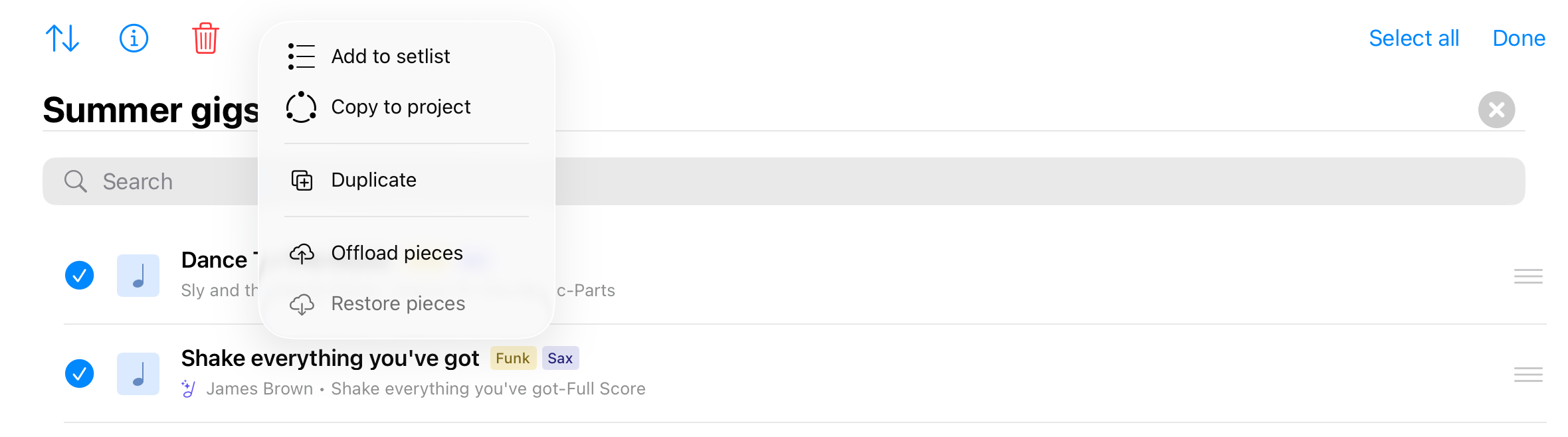
Other options (…)
The option menu (...) on the top right of the view offers other functionalities:
- Share by link: to send a link on your setlist so other Newzik users can import it in their personal library
- Export to PDF: export the scores contained in your setlist to a single or several PDF file(s).
- Export title list: export the list of pieces' title to a text file
- Convert into a project: convert your setlist into a new Project in order to collaborate with other Newzik users
- Offload: unload the whole setlist from your device to free up storage space on your device
- Restore: download the offloaded pieces contained in your setlist on your device
- Move: move your setlist to another location (Folder)
- Delete: delete the setlist from your library (the pieces it contains won't be deleted)