
The MIDI Settings screen is the central place to configure how Newzik communicates with your MIDI devices. You'll find it in the app's global settings or in the Score View "..." menu.
Once configured, your setup applies across all scores and can be used in MIDI Commands or "Smart buttons".
TABLE OF CONTENTS
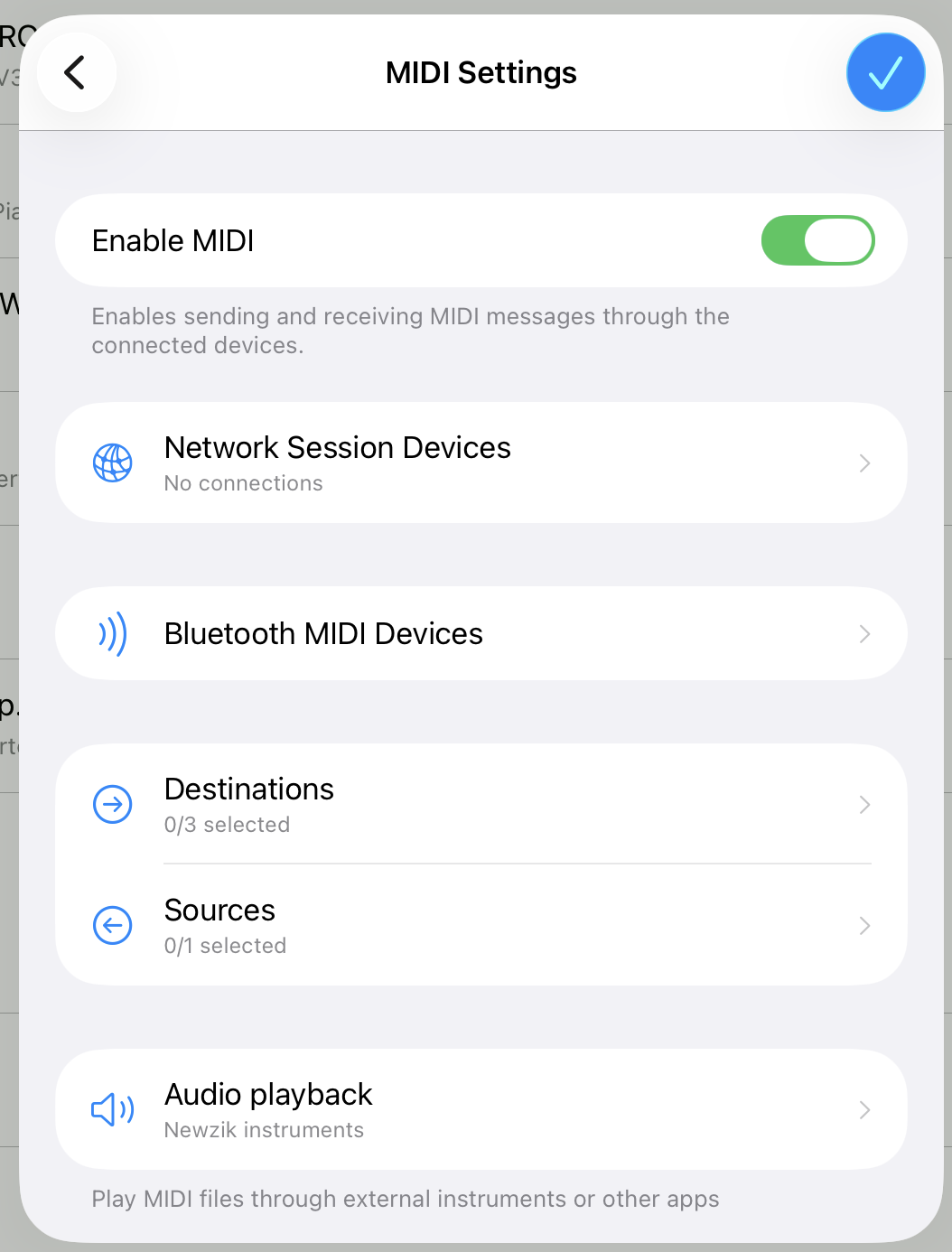
Enable MIDI
The first toggle activates or deactivates all MIDI functionality in the app. Turn it on to start sending and receiving MIDI messages through your connected devices.
Connecting devices
Network Session
Connects Newzik to other iOS devices or Mac computers over your local Wi-Fi network . Devices on the same network are discovered automatically.
- Tap Network Session Devices to open the connection screen.
- Discovered devices appear in a list — tap Connect next to a device to link it.
- Connected devices appear at the top with a Disconnect button.
- If nothing appears, make sure all devices are on the same Wi-Fi network, and check that Local Network access is enabled for Newzik in iOS Settings.
- Tap Refresh to restart device discovery at any time.
Bluetooth MIDI
Connects Newzik to Bluetooth MIDI peripherals (keyboards, pedals, controllers, etc.).
- Connect tab — scan for and pair with nearby Bluetooth MIDI devices.
- Advertise tab — make Newzik visible as a Bluetooth MIDI peripheral so other devices or apps can connect to it.
Sources and Destinations
Once your devices are connected, you assign them a role:
Sources are the endpoints Newzik listens to for incoming MIDI events — typically a keyboard, foot pedal, or controller sending notes and commands into the app.
Destinations are the endpoints Newzik sends to — synthesizers, sound modules, effects units, or other apps that should receive the MIDI output from Newzik.
Both screens work the same way: toggle each available endpoint on or off. Multiple sources and multiple destinations can be active at the same time. Tap Refresh Endpoints if a newly connected device doesn't appear.
Audio playback
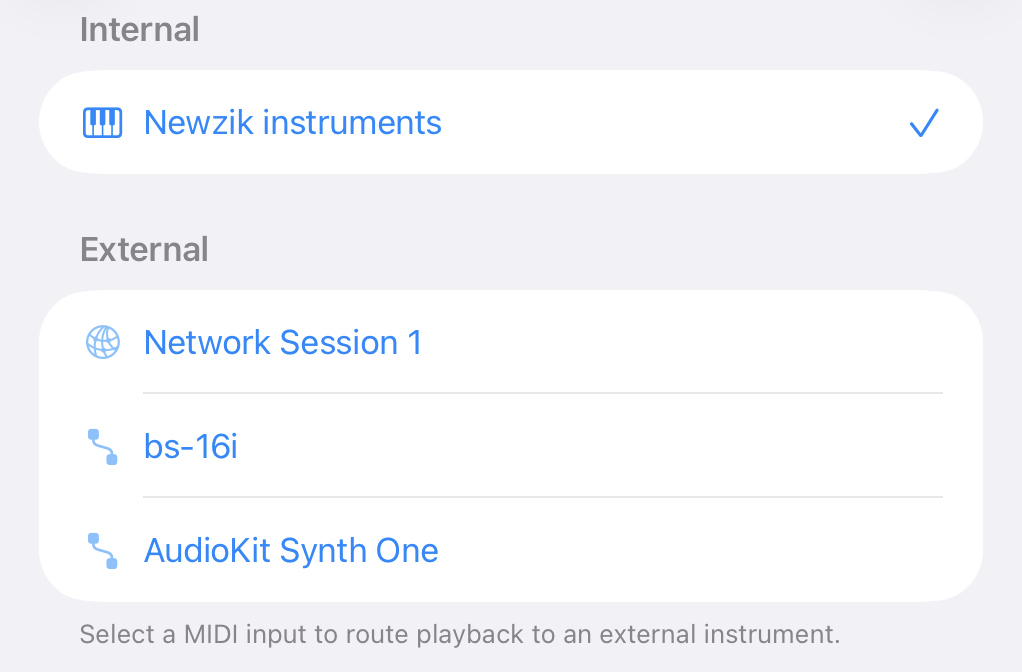
In the MIDI settings, you can also select the instrument used for MIDI file playback.
By default, Newzik uses its built-in instrument library. You can also route playback to an external instrument or another music app, giving you access to different or higher-quality sounds.
MIDI device profiles
MIDI device profiles let you save how each of your instruments and MIDI peripherals responds to MIDI (including its assigned channels and whether it numbers programs from 0 or from 1). Once a profile is set up, creating messages for that device (see Smart Buttons and MIDI Commands) is quicker.
Different MIDI devices don't always agree on how programs are numbered — some start at 0, others at 1. MIDI device profiles let you save how each of your instruments and peripherals responds so the messages you send always land on the right patch.
Virtual MIDI
Makes Newzik visible as a MIDI device to other apps on the same device. Enable this if you want another app (a DAW, a synth app, etc.) to send MIDI into Newzik, or to receive Newzik's MIDI output.