
Open the metronome
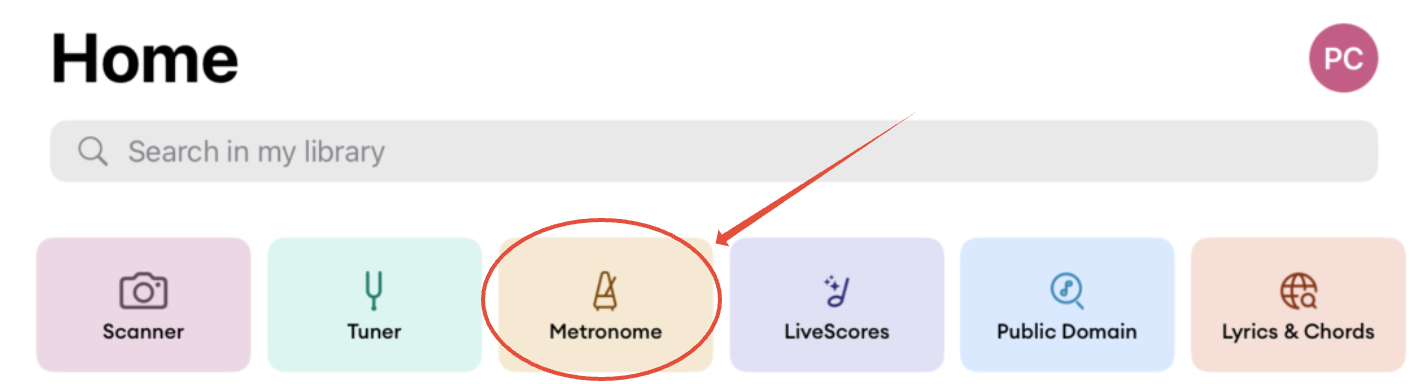
Open the Metronome from the Home screen (Metronome shortcut).
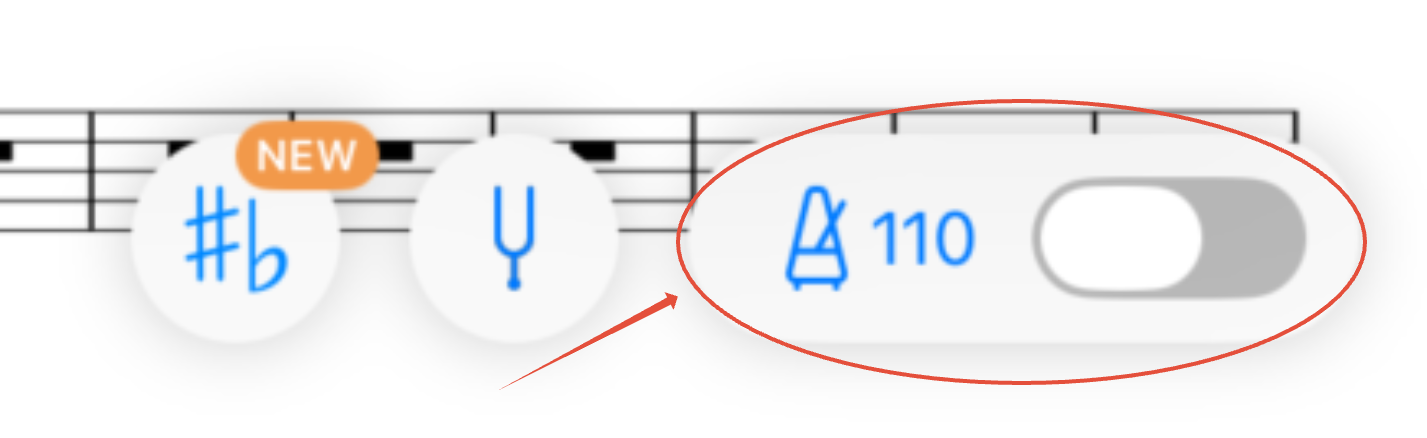
Or from a score; the switch next to the tempo turns the metronome on or off.
Set the tempo
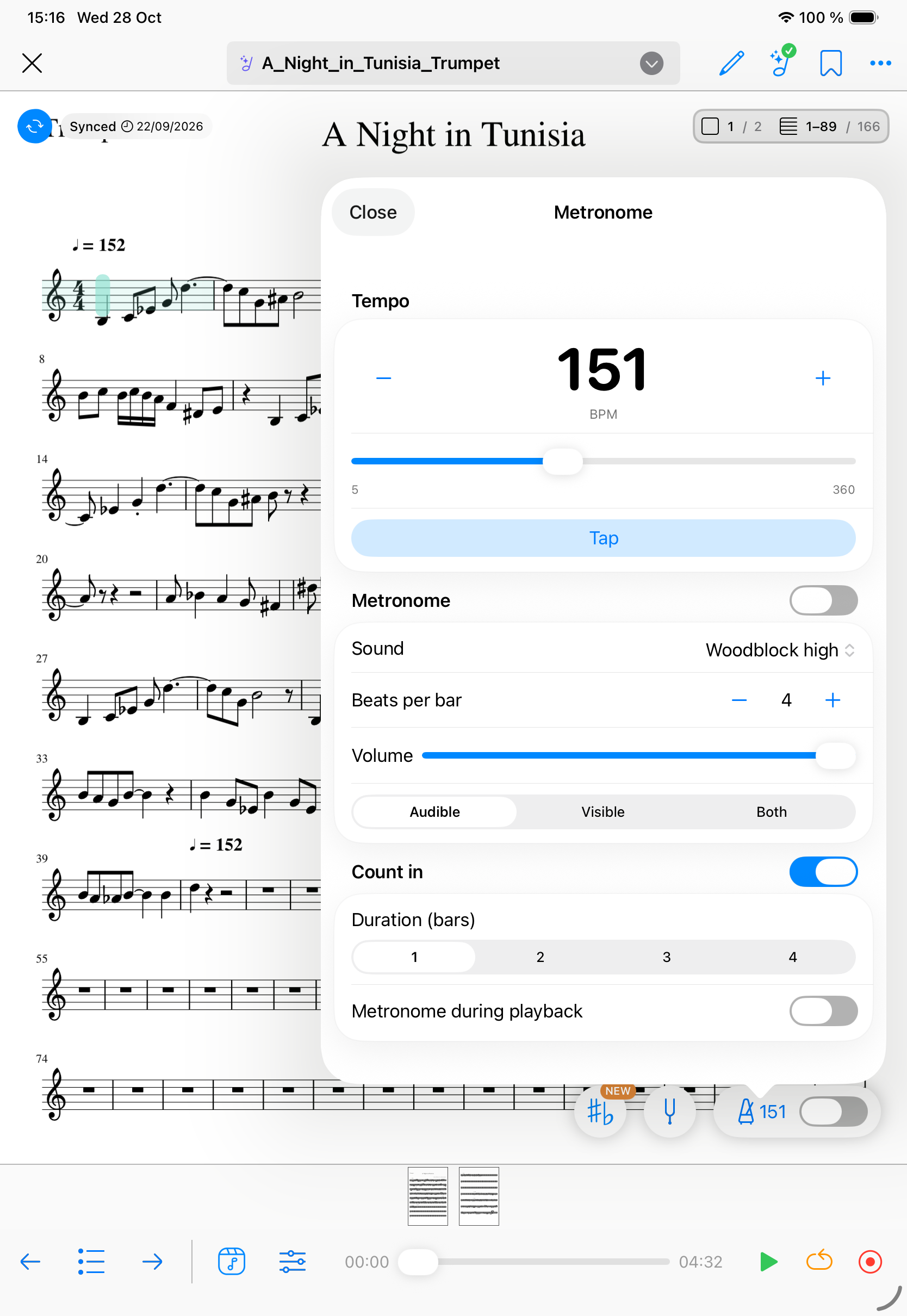
In the Tempo section, the tempo runs from 5 to 360 BPM.
- Tap − or +, or drag the slider.
- Tap the number to type a tempo, then confirm.
- Tap Tap several times in time: the tempo matches your pulse.
Metronome settings
In the Metronome section, turn the switch on to start the click.
- Sound: tap the sound name and choose Woodblock high, Woodblock low, Claves, Hi-Hat close, or Cowbell.
- Beats per bar: tap − or + to set the number of beats, from 1 to 16.
- Volume: drag the slider.
- Mode: choose between Audible, Visible, or Both. Audible plays the click. Visible shows a green frame on each beat. Both plays the click and shows the frame.
Count in
Start MIDI and media playback with a count-in. Discover how to use it in this article.